Technical excellence Engineered for the discerning creator.
What the engine actually does, verified against the source rather than the brochure — and one thing, the file format, that you only notice the day you change device.
One file. Three platforms. No re-buying.
Every serious drawing app locks its brushes to one platform. Buy a pack for an iPad and it is stranded there — pick up an Android tablet and you start again from an empty library.
A .apexobrush file is a single archive holding the
stamp textures and the brush configuration together. There is
nothing device-specific inside it, which is why the same download
imports identically on iPadOS, macOS and Android. You download it
once and import it wherever you work.
What it does under your hand.
Smooth brushes
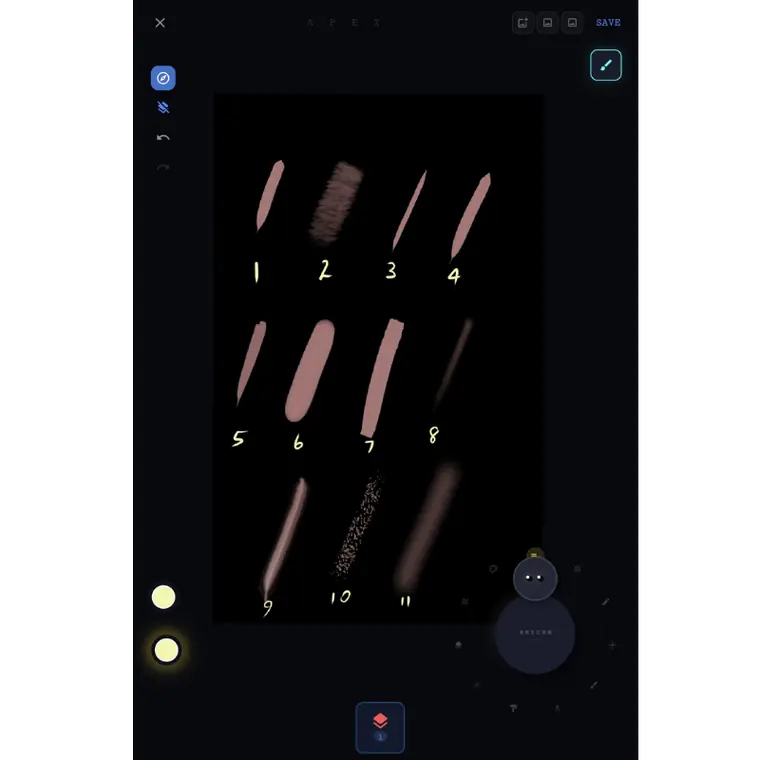
A stroke engine that mimics the friction of physical media. Pressure, tilt and velocity response are tuned per brush rather than globally, so a technical pen and a wet wash do not have to share one compromise.
Twenty-two parameters per brush
Spacing, flow, scatter, taper, angle offset, size and angle jitter, hue, saturation, brightness and opacity jitter, grain scale, tilt shading, stabilisation — each one set on the individual brush, not inherited from a global preference.
Thirty-two blend modes
The full set, per layer: the separable modes you expect plus the non-separable hue, saturation, colour and luminosity family that most tablet apps leave out.
Fluid dials
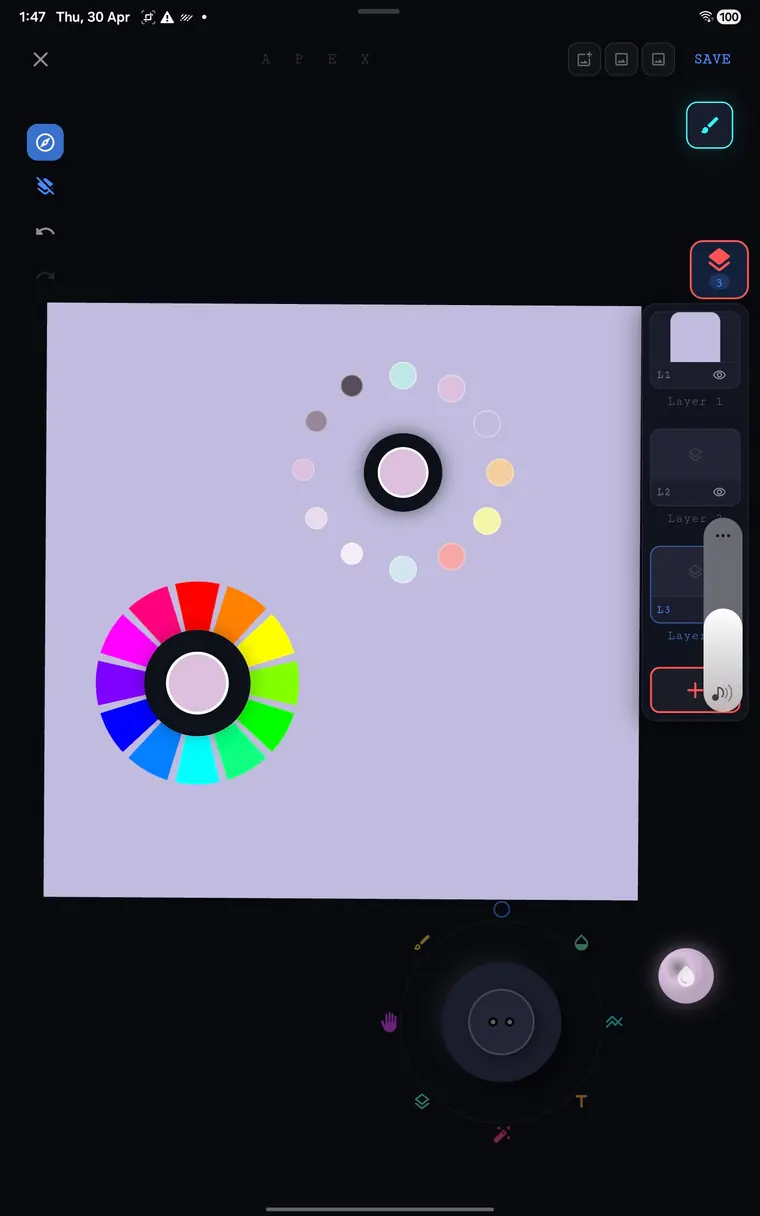
A radial selection system for granular control over every parameter. Size, opacity and hue move in one motion, your thumb stays where it was, and the canvas stays uncovered.
Clean interface
A distraction-free canvas that recedes, leaving only you and your art. Controls fade to the periphery the moment a stroke lands, and a true-black canvas keeps OLED tablets from glowing at you.
Cross-platform
iPadOS, macOS and Android run the same canvas engine and read the same .apexobrush files. Your brush library is a set of files you own, not a platform feature you rent.
Stabilisation you can switch off
Smoothing is a per-brush number rather than a global toggle, so an inking brush can be heavily stabilised while a sketching brush stays raw and nervous. The evidence that a person made the mark survives.
Grain and tooth
A second texture rides under the stamp and reacts to tilt, which is where a brush gets its character. Pack authors ship the grain alongside the shape inside the same .apexobrush archive.
Colour ramps along a stroke
A brush can carry a set of colour stops and walk them across the length of a stroke, rather than laying one flat colour and asking you to blend it afterwards.
Where the codeline meets the canvas
Software should magnify the hand, not replace it. Every mechanism here is built to keep the evidence of a person in the mark.
A workspace designed to breathe.
Every control fades to the periphery the moment you put a stroke down. What is left is a black rectangle and your drawing — which is the only arrangement that has ever worked.
Adaptive chrome · single-hand reach · true-black canvas for OLED tablets.