Apex Olira, or just Apex O — the cross-platform drawing app A dream canvas for every creator.
Draw on an iPad in the morning and an Android tablet at night. Same brushes, same pressure curves, same file — one library that follows you between devices.
Your brushes should
outlive your device.
Every serious drawing app locks its brushes to one platform. Buy a pack for an iPad and it is stranded there — the day you pick up an Android tablet you start again from an empty library.
Apex Olira treats a brush as a file, not a platform feature. One
.apexobrush archive holds the stamp textures and the
brush configuration together, so you get
the same brushes on iPad and Android — and on a
Mac — from a single download. Import it once per device and the
stroke comes out identical. Your library is yours, and it moves
with you.
That mattered to us before it mattered to anyone else: Apex Olira is built in Madurai, in a country where most tablets run Android and almost every premium drawing app is iPad-first.
How cross-platform brushes work → Is Procreate on Android? →
Draw anywhere
iPad, Mac and Android tablets, with the same canvas engine on all three.
One file format
.apexobrush is a plain archive of textures and settings.
Nothing in it is device-specific.
Yours to keep
Downloaded packs stay on your disk. No launcher, no phone-home, no library that evaporates.
An Indian drawing app
Built in Madurai and Android-first, for a market the premium drawing category has always treated as an afterthought.
One file, every device
A tool you have learned should not be taken away by a change of hardware. Your brushes should travel with you.
A .apexobrush holds the stamp textures and the brush
configuration together, with nothing device-specific inside. Download
once, import anywhere.
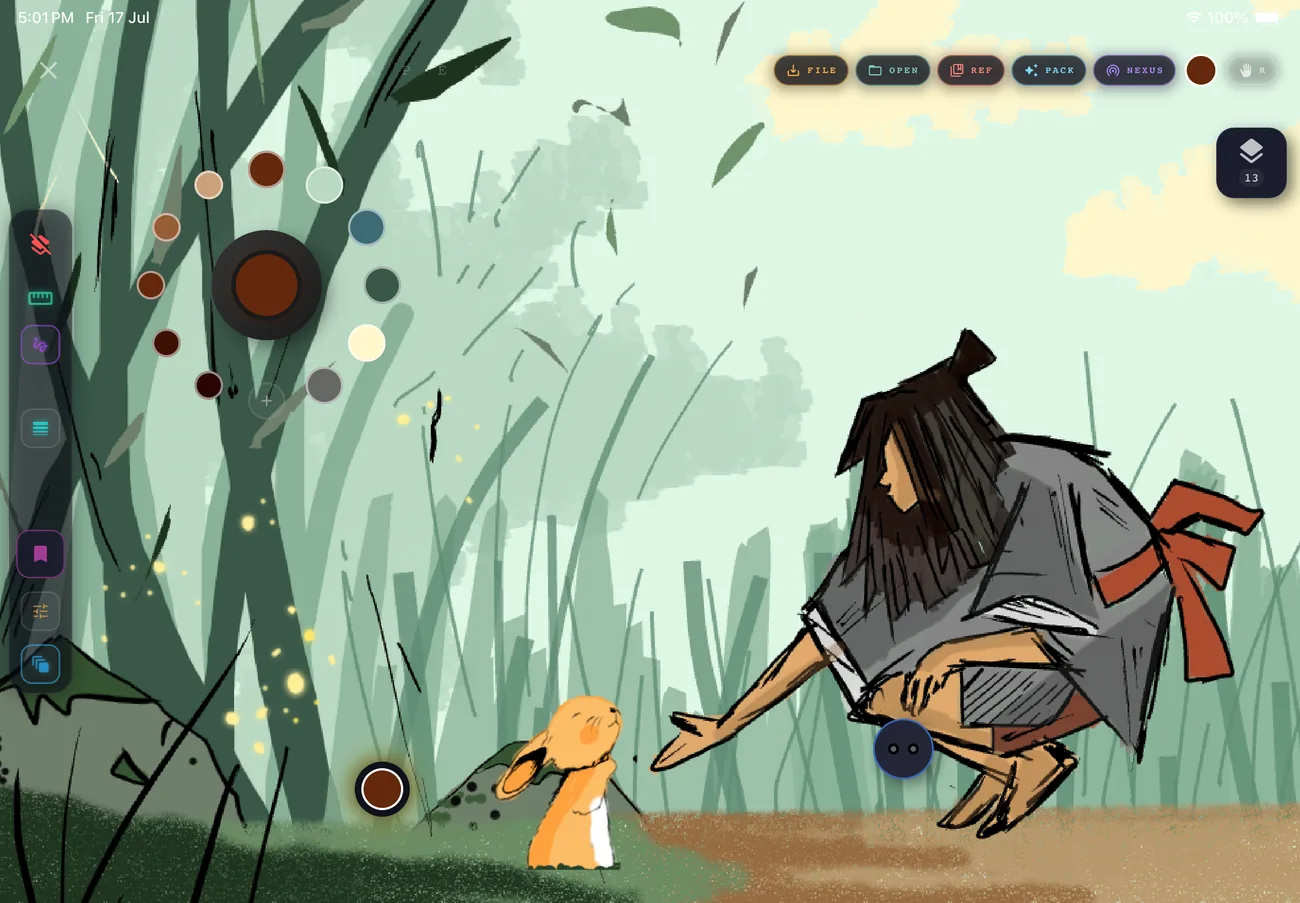
An interface that knows when to disappear.
Every control fades to the periphery the moment you put a stroke down. What is left is a black rectangle and your drawing — which is the only arrangement that has ever worked.
Adaptive chrome · single-hand reach · true-black canvas for OLED tablets.
Ink that behaves like ink.
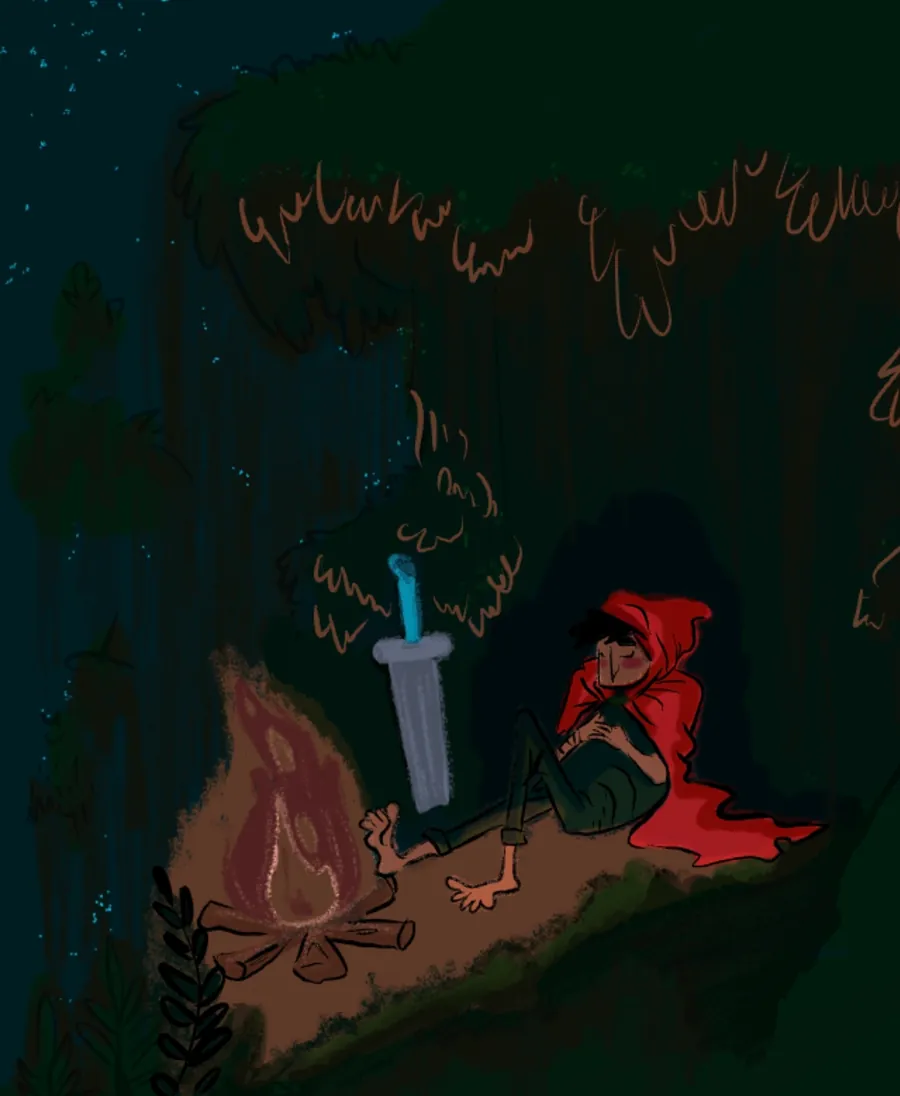
Stroke smoothing, pressure curves and tilt response tuned per brush rather than globally, so a technical pen and a wet wash do not have to share one compromise.
Per-brush pressure curves · tilt and velocity response · stabiliser you can switch off.
Size, opacity and hue in one motion.
Radial dials instead of stacked sliders. Your thumb stays where it was, the canvas stays uncovered, and the adjustment happens where you are already looking.
Radial size and opacity · continuous hue ring · no modal palettes.
A first-party brush store, finally.
The market leader sells no brushes at all — its community has been asking for a real marketplace for years. Apex Olira ships the app and the store together, so a pack is tested against the engine that renders it.
Free packs, no account
Download, import, draw. The free library is genuinely free — not a trial that expires.
No generative AI
Artist packs are drawn by hand and credited. The test packs in the store today are generated in-house from code, and labelled as such on the pack page — you always know which you have.
Commercial licence included
Sell the art you make with them. The only restriction is on reselling the brush files themselves.
What is a .apexobrush?
An archive holding the stamp textures and the brush configuration. One file, one import, every platform.
Drawn in Apex Olira.





Cross-platform drawing, answered.
Is there a Procreate for Android?
No. Savage Interactive publishes three apps — Procreate, Procreate Dreams and Procreate Pocket — and every one of them runs only on iPad or iPhone. There has never been an Android release or an announced plan for one — the Mac version announced for 2027 is a second Apple platform, not a move off Apple. If you are on an Android tablet you are choosing between apps built for Android, and Apex Olira is one of them: the same canvas engine and the same brush files as the iPad and Mac builds.
Is Apex O the same app as Apex Olira?
Yes — Apex O is the short name for Apex Olira. The Android app is listed on Google Play as "ApexO" and the iPad and Mac app on the App Store as "Apex Olira"; they are the same drawing app from Lumivance Technologies, with the same canvas engine and the same .apexobrush brush files on every platform.
Do Apex Olira brushes work on both Android and iPad?
Yes. A .apexobrush file is a single archive holding the stamp textures and the brush configuration, and it imports identically on iPadOS, macOS and Android. You download the file once, then import it from inside the app on each device — there is nothing platform-specific inside it.
What is a .apexobrush file?
A ZIP archive containing a manifest.json plus the brush images — the stamp shape, an optional grain texture, and a thumbnail. Because it is a plain archive of readable files rather than an opaque binary, it extracts and inspects trivially, and the same file works on every platform Apex Olira runs on.
Which devices does Apex Olira run on?
iPadOS 15 and later, macOS 11 and later, and Android 8.0 and later. The brush engine, the Fluid Dials and the .apexobrush format are the same on all three — there is no reduced Android build.
Can I use Apex Olira without an Apple Pencil?
Yes. Pressure and tilt improve the result if your stylus reports them, but every brush is usable with a finger or a basic capacitive stylus — the Fluid Dials were designed so size, opacity and hue can be adjusted without a pressure-sensitive pen.
Can I sell artwork I make with Apex Olira brushes?
Yes. Every Apex Olira brush pack, free and Pro, carries a commercial licence for the artwork you produce with it. What you may not do is redistribute or resell the brush files themselves.
Are the brushes generated with AI?
No generative AI is used anywhere in the library, and that is a permanent commitment rather than a current state. The artist packs are drawn by hand and credited on the pack page. The test packs in the store today are procedurally generated in-house — written as code, not prompted — and are labelled as such on the brush page so you always know which you are downloading.
Longer answers, with every competitor figure linked to its own store listing: Procreate on Android · what Procreate costs in India · the Android alternatives · drawing on a Galaxy Tab.
Be there when the store opens.
New brush packs, palettes and the occasional process teardown. No more than twice a month, and never a sales blast.